| Fact | Detail |
|---|---|
| Name | PackPilot |
| Tagline | AR packing planner |
| Platform | iPhone and iPad · iOS 17.0 or later |
| Category | Productivity (secondary: Utilities) |
| Price | Free to download. Planned launch pricing (not yet live): 30-Day Project Pass $4.99 (a non-renewing subscription that supplies 30 days of Pro — ends automatically, not charged again) and Pro Lifetime, a one-time purchase, $14.99 launch price · planned $19.99 standard price. Live Scan is an entitlement of either paid plan; there is no separate Live Scan product. US pricing; the App Store shows the authoritative localized price. |
| Version | 1.0.0 · currently in TestFlight beta (build 5) |
| Developer | Ryan Houston · Eternalist |
| Age rating | 4+ |
| Privacy | No accounts and no third-party analytics or advertising SDKs. The packs, spaces, and items you create stay on your device and aren't collected. One opt-in exception: Community Contributed submissions send a dimensional/metadata record (dimensions, type/category, model label, provenance, verification state, contributor attribution — never photos, location, free-typed text, or precise identity) to a moderation server, and the app fetches the Community Contributed catalog from a server. Purchases use Apple StoreKit. |
| Languages | English (US) |
| Website | packpilot.io |
| Press contact | feedback@packpilot.io |
Boilerplate — one line
PackPilot is an AR packing planner for iPhone and iPad that scans the space you're packing into, scans your gear, and tells you what fits, where it goes, and in what order.
Boilerplate — one paragraph
PackPilot is an AR packing planner for iPhone and iPad. Two scan methods turn a trunk, bin, suitcase, or garage shelf into accurate dimensions — Live Scan sweeps a space's real interior volume from the device's live scene depth, and AR Trace lets you tap the floor corners by hand — and the same flow measures each item you need to fit. PackPilot then solves the pack around real constraints — what can be stacked, what has to stay upright, what you need to reach first — and hands back a load order, a 3D preview, and a step-by-step AR guide that draws a ghost of each item exactly where it belongs. Or work backwards: pick your items first and PackPilot recommends the right container. Users can also opt in to Community Contributed, sharing scanned spaces and items — their dimensions and metadata, never photos or location — to a moderated catalog that becomes ready-to-use entries for everyone. AR Trace and manual entry are free, with one complimentary Live Pack for automated Live Scan; ongoing Live Scan and the rest of Pro — unlimited packs, reusable libraries, PDF export, and extra optimization modes — are unlocked by a paid plan (a 30-day Project Pass or a one-time Pro Lifetime). PackPilot has no accounts and no third-party analytics or advertising SDKs; the packs, spaces, and items you create stay on your device, with Community Contributed uploads the one opt-in exception that sends dimensional records to a moderation server.
What makes it different
- A solver, not a tape measure. Most AR measuring apps stop at dimensions. PackPilot uses them as input to a packing heuristic that respects stackability, orientation, weight, and access constraints.
- AR through to placement. The AR Placement Guide holds the solved plan against the real container, ghosting one item at a time. It's free for everyone.
- Two ways to scan. Live Scan captures a space's real interior volume with the device's scene depth; AR Trace is a fast manual alternative that taps the corners and works without depth hardware.
- Reverse packing. Find a Container inverts the problem: choose items first, get a container recommendation back.
- A growing shared library. Users can opt in to Community Contributed and submit scanned spaces and items — dimensions, type/category, a model label, provenance, verification state, and contributor attribution, but never photos, location, free-typed text, or precise identity — which, once moderated, become ready-to-use entries for everyone. Entries are retained, correctable, reportable, and removable.
- Private by default. The packs, spaces, and items you create stay on your device. The camera is live-only; no frames are recorded or transmitted. The only data that leaves the device is an opt-in Community Contributed submission (dimensions and metadata) and Apple StoreKit purchase traffic.
- Honest about limits. A public known limitations page ships alongside the app.
Icon & screenshots
Right-click to save. Screenshots are from PackPilot 1.0.0 (build 5) on iPhone 17 Pro.
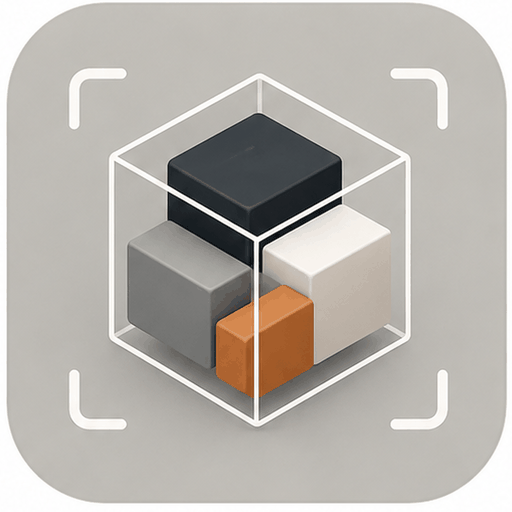
The palette is a warm clay/amber accent on a bone-white surface, with a separate blue reserved exclusively for AR and spatial UI.
Brand #C4793F
Ink #1A1F2C
Bone #F8F5EF
Spatial #4B96D6
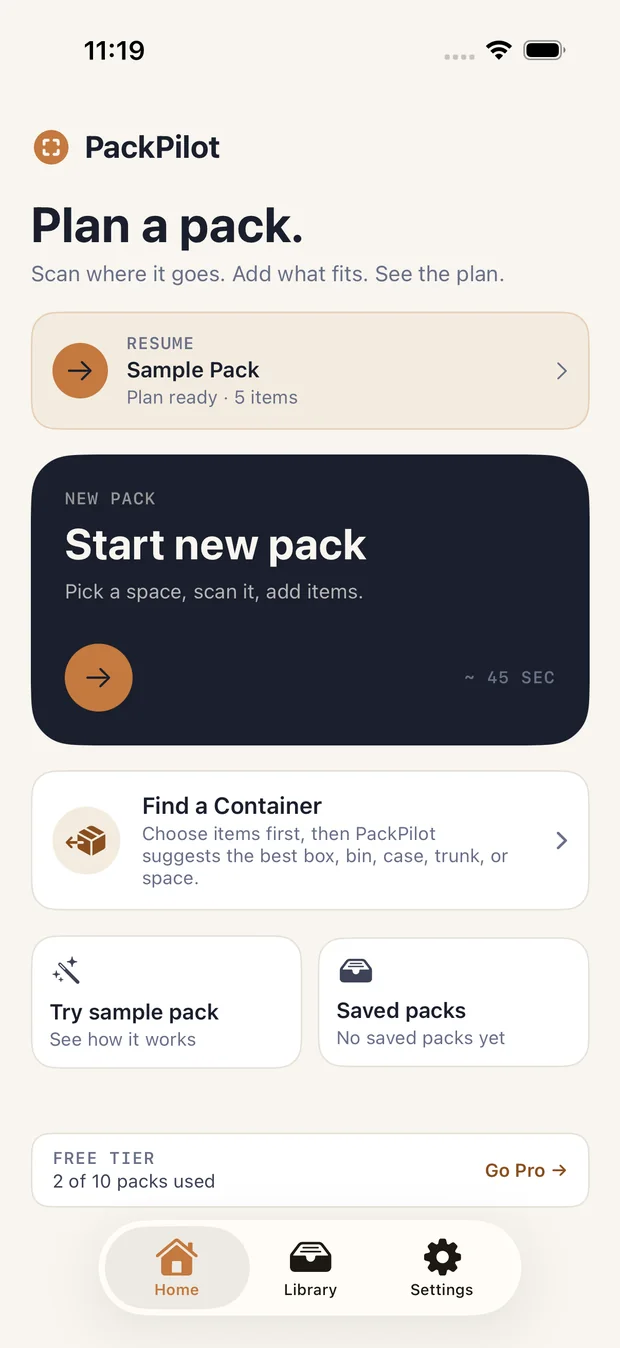
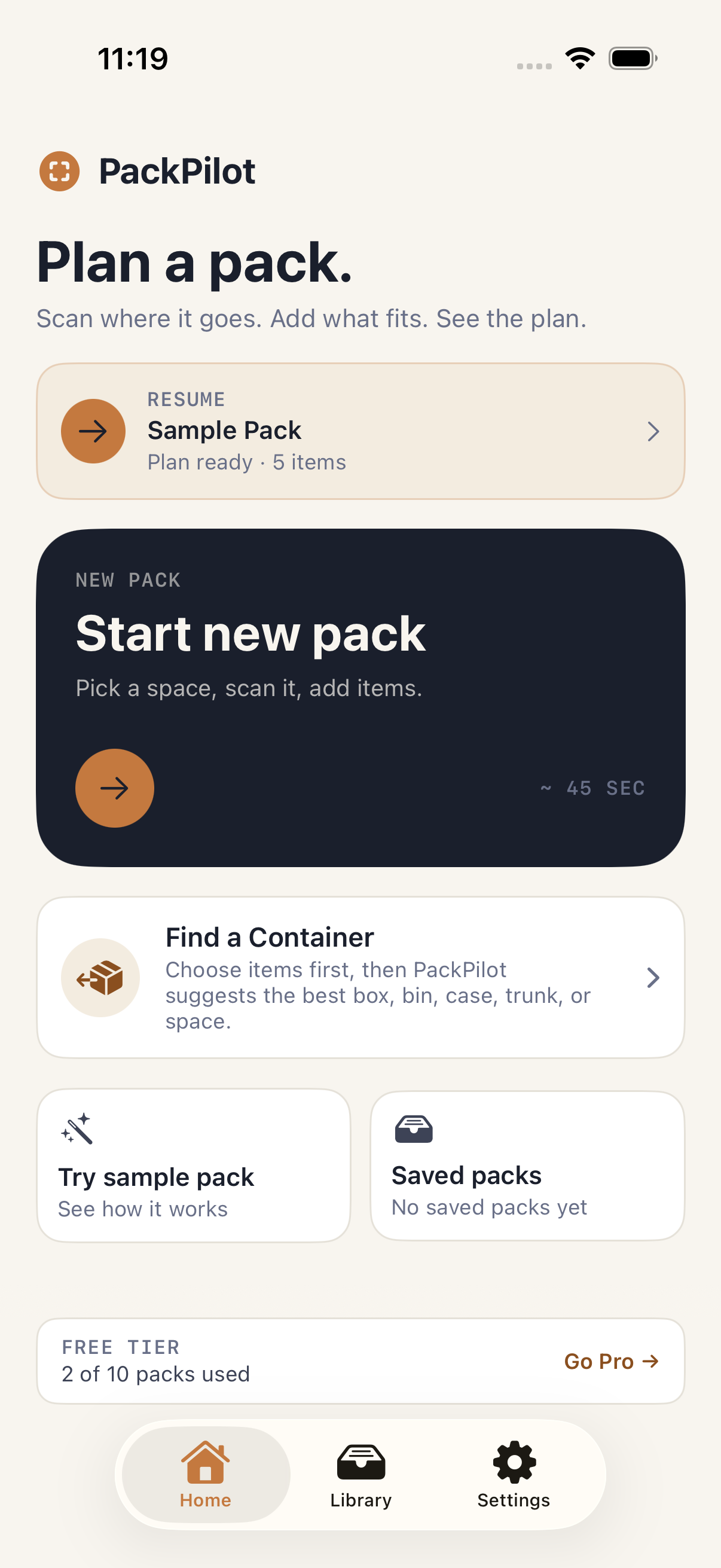
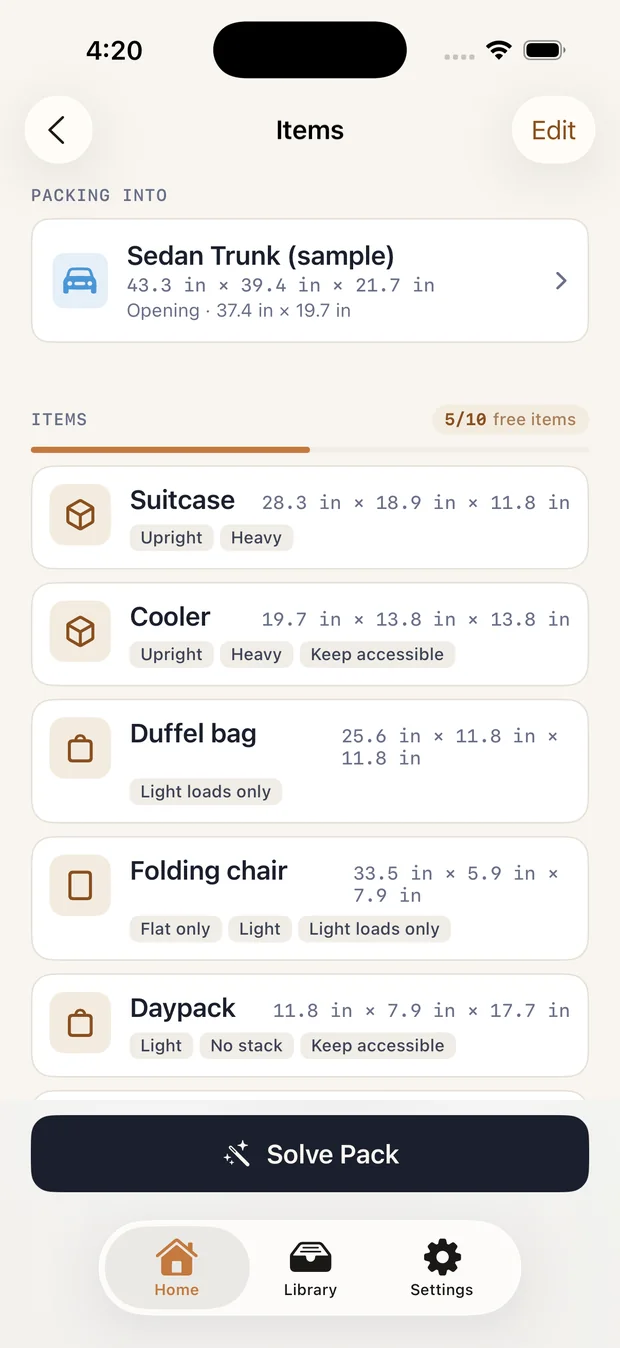
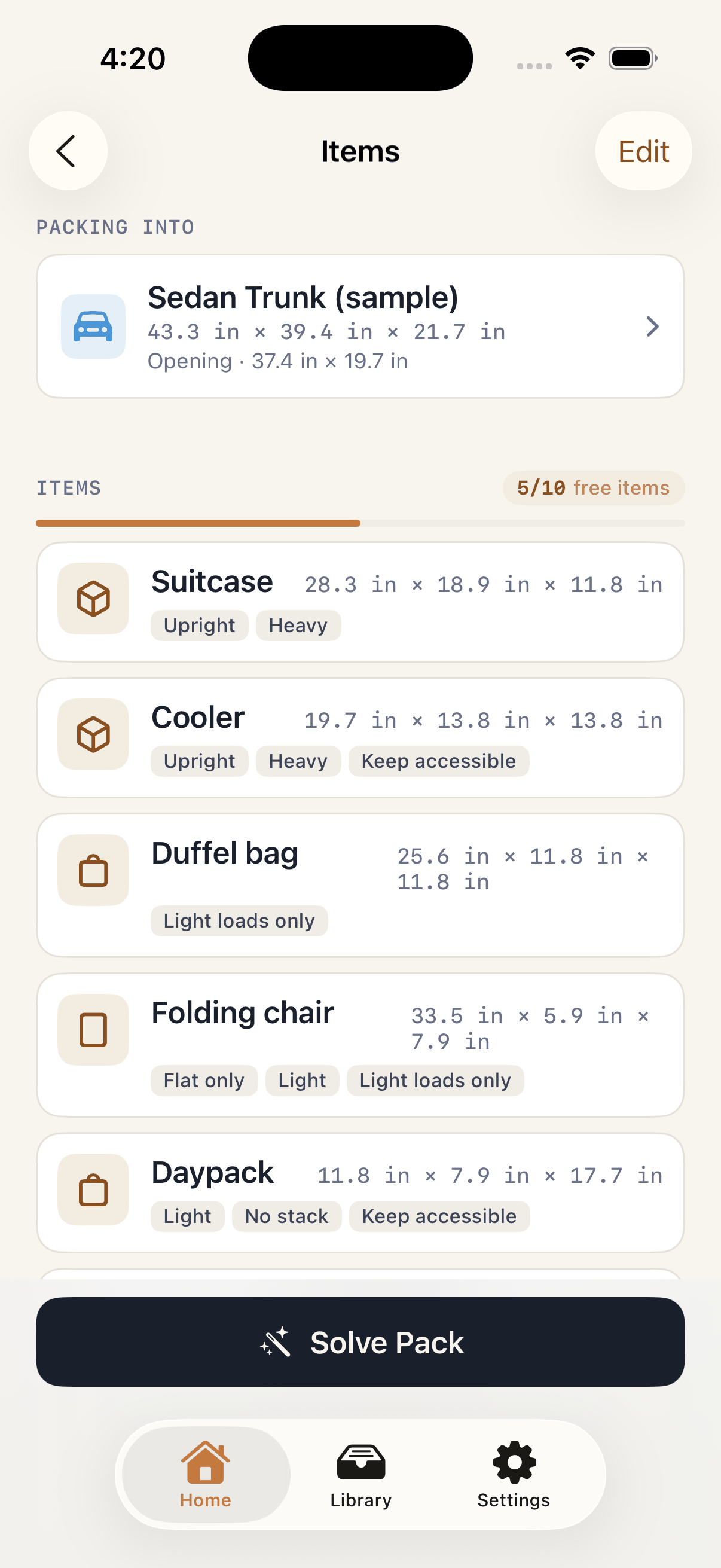
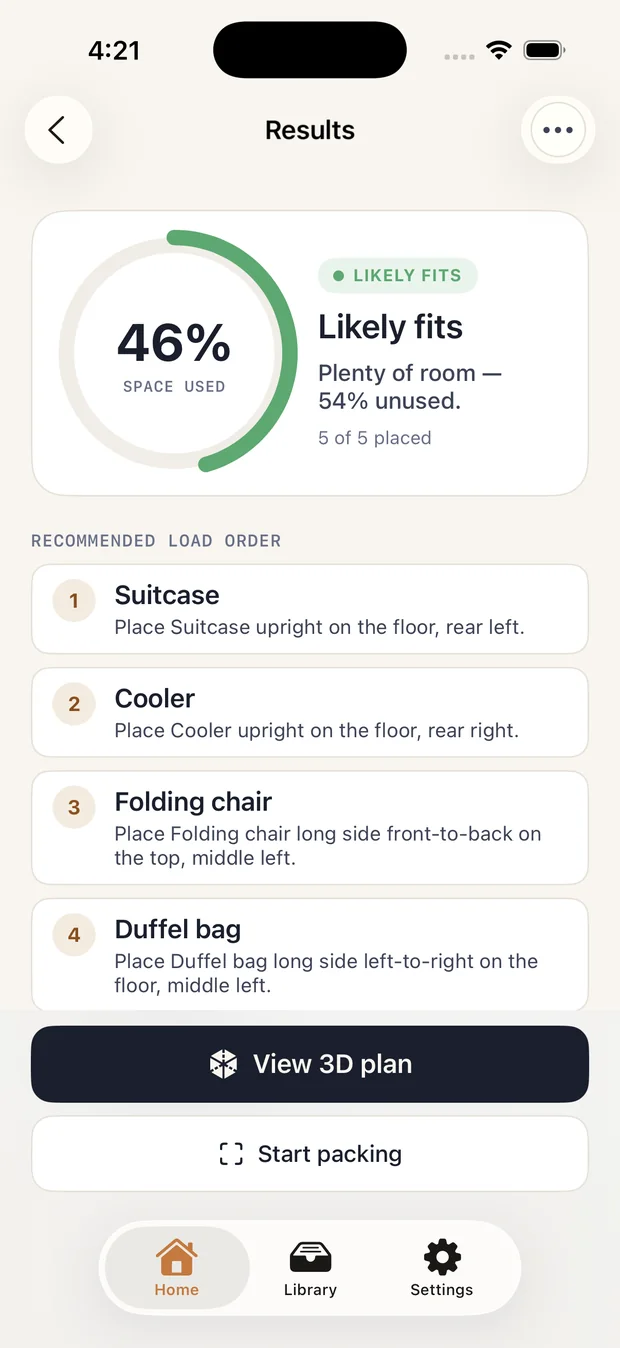
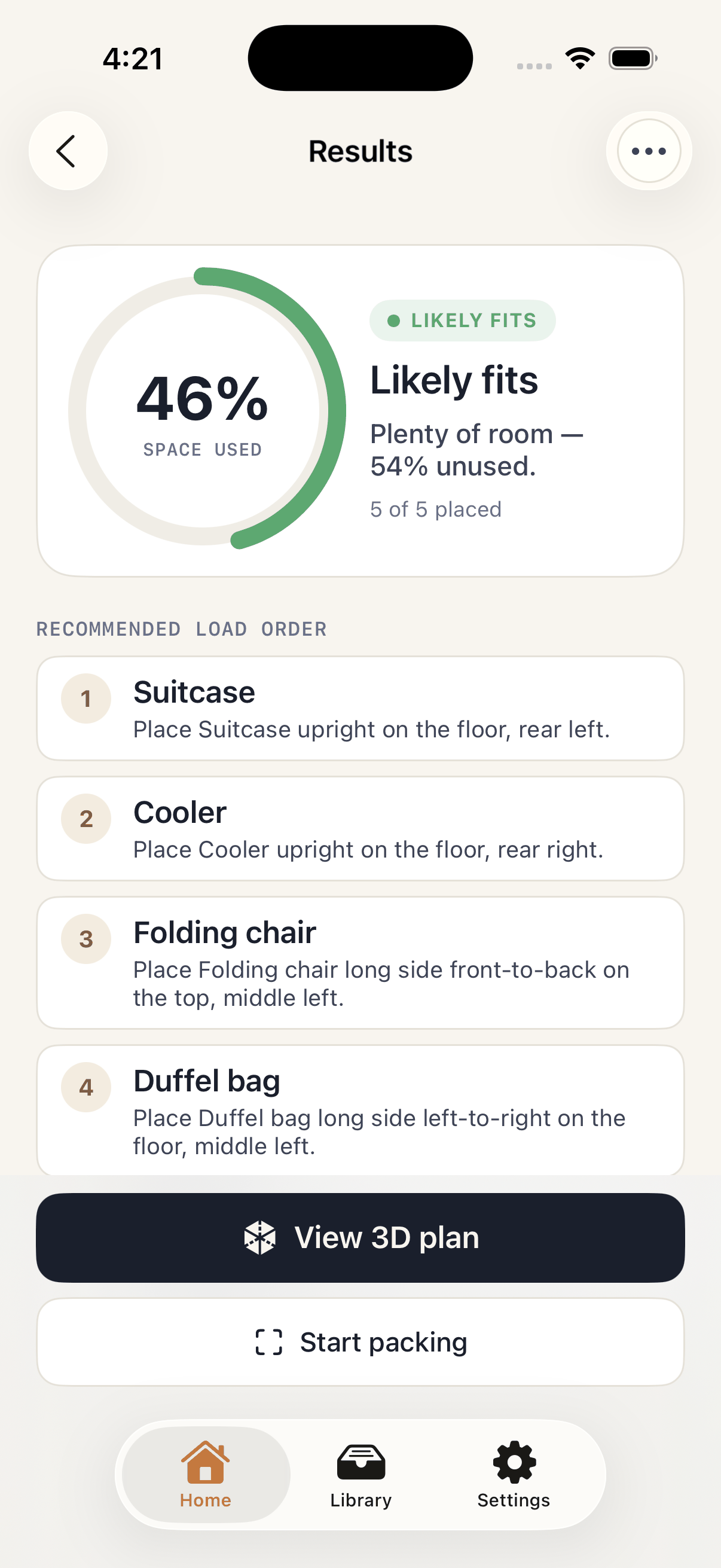
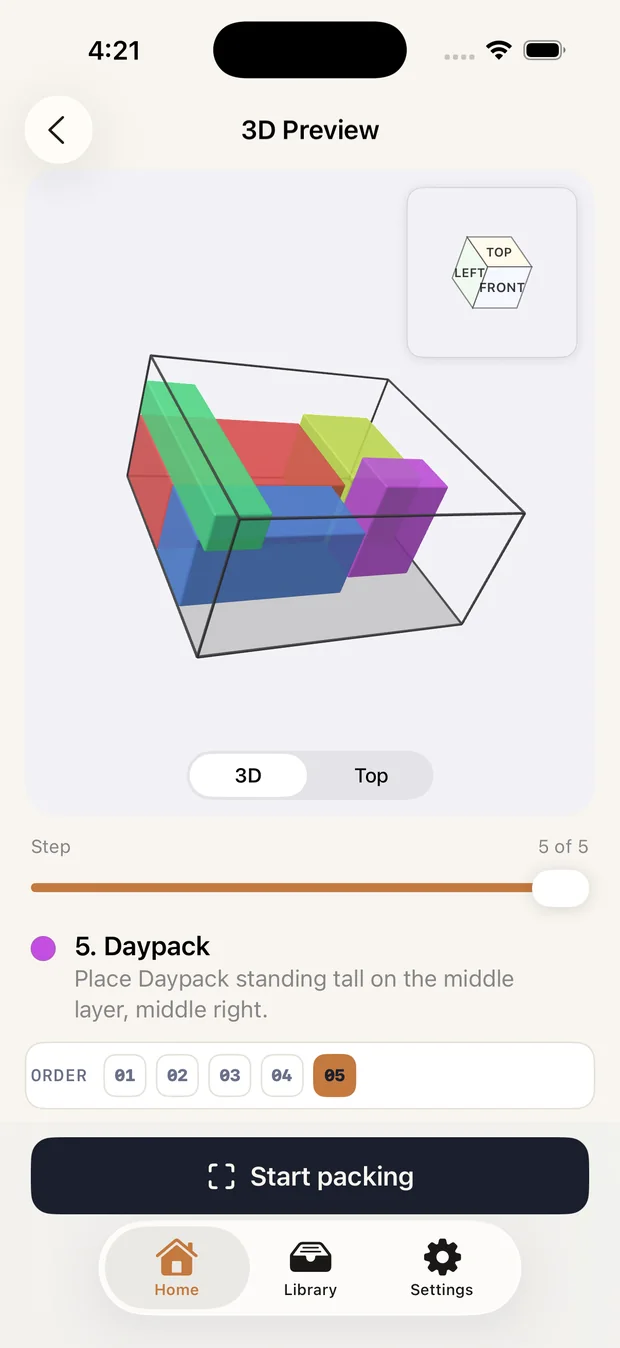
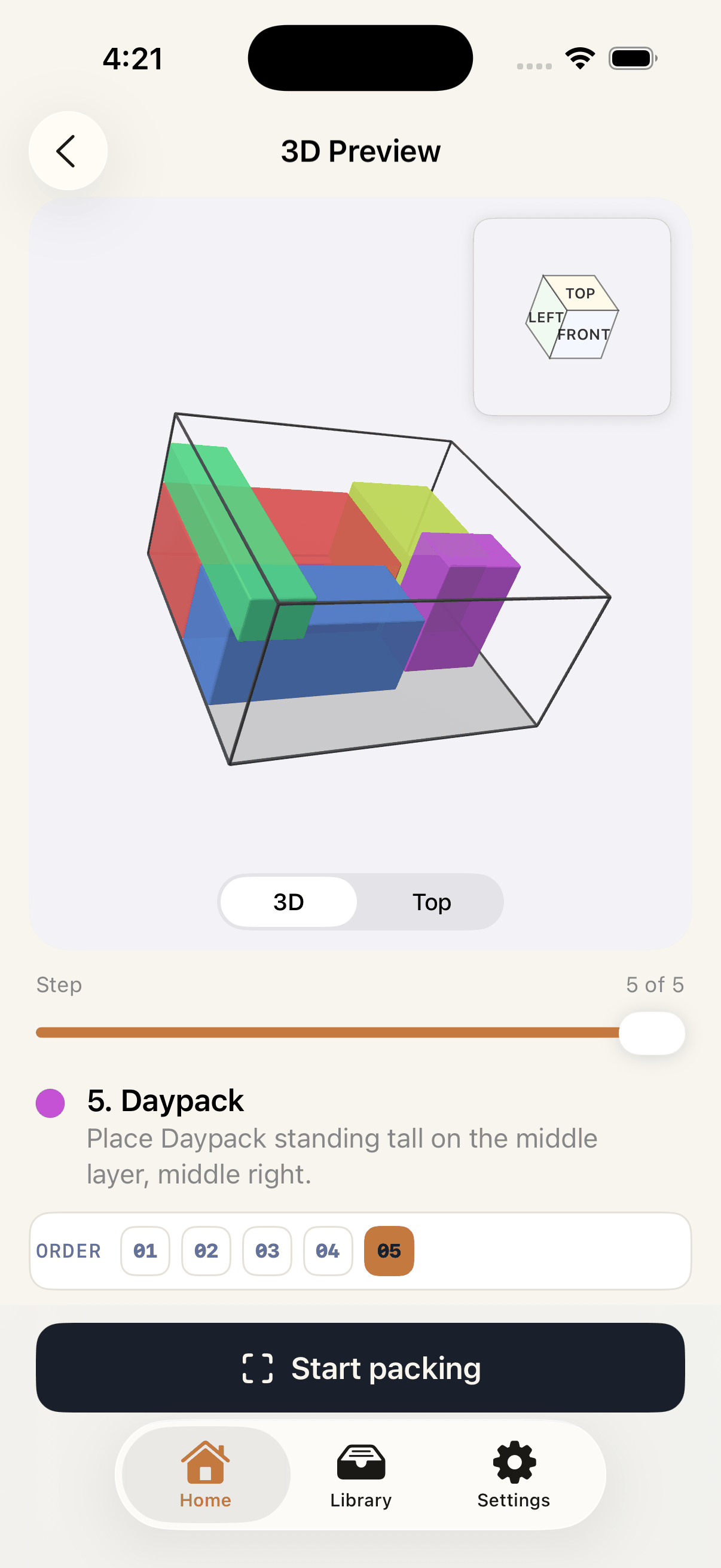
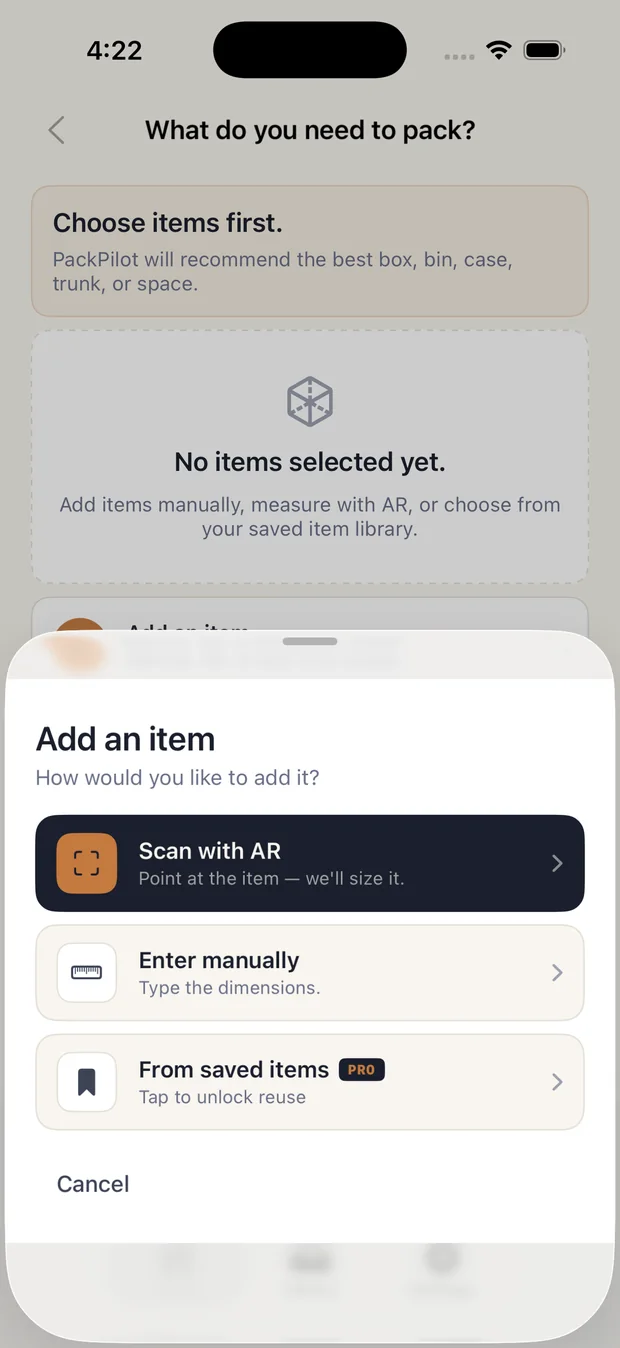
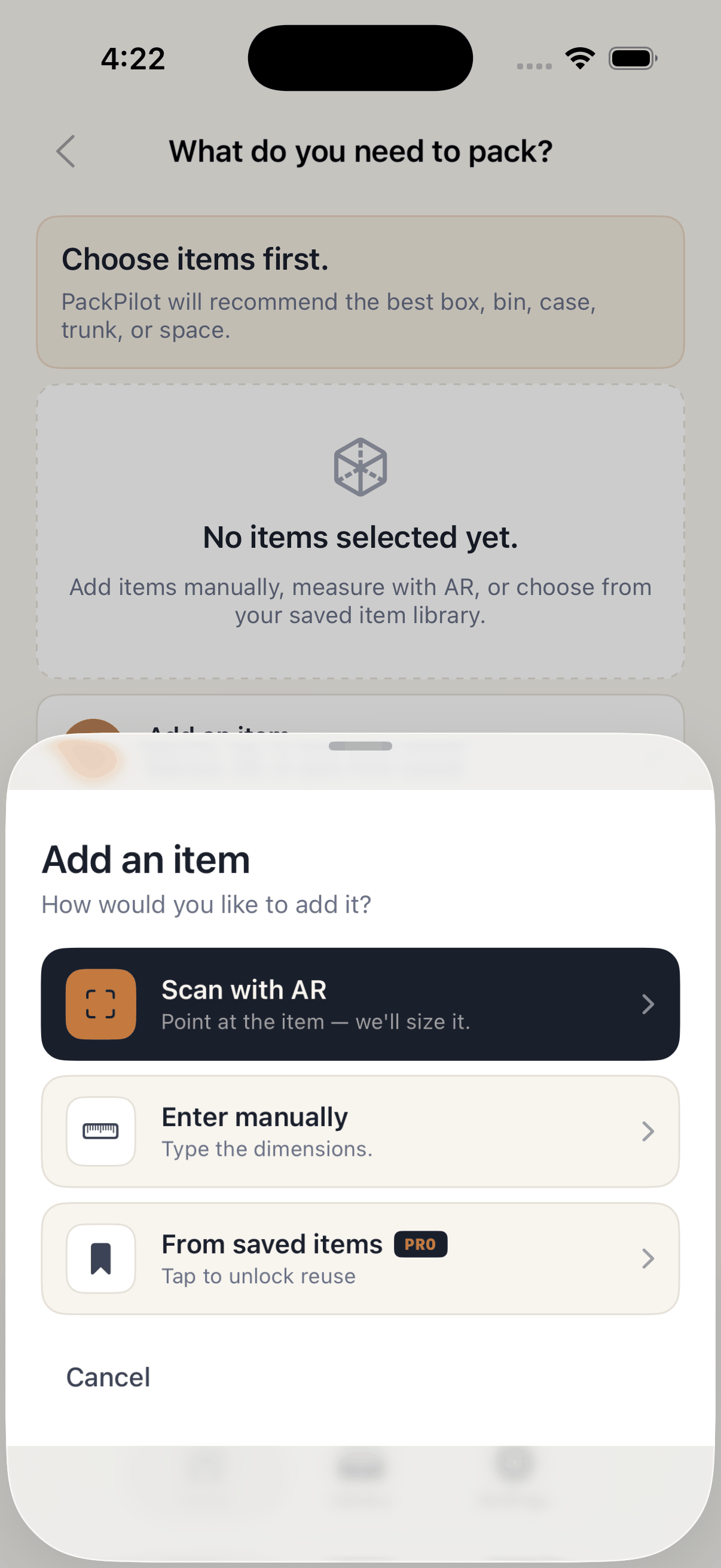
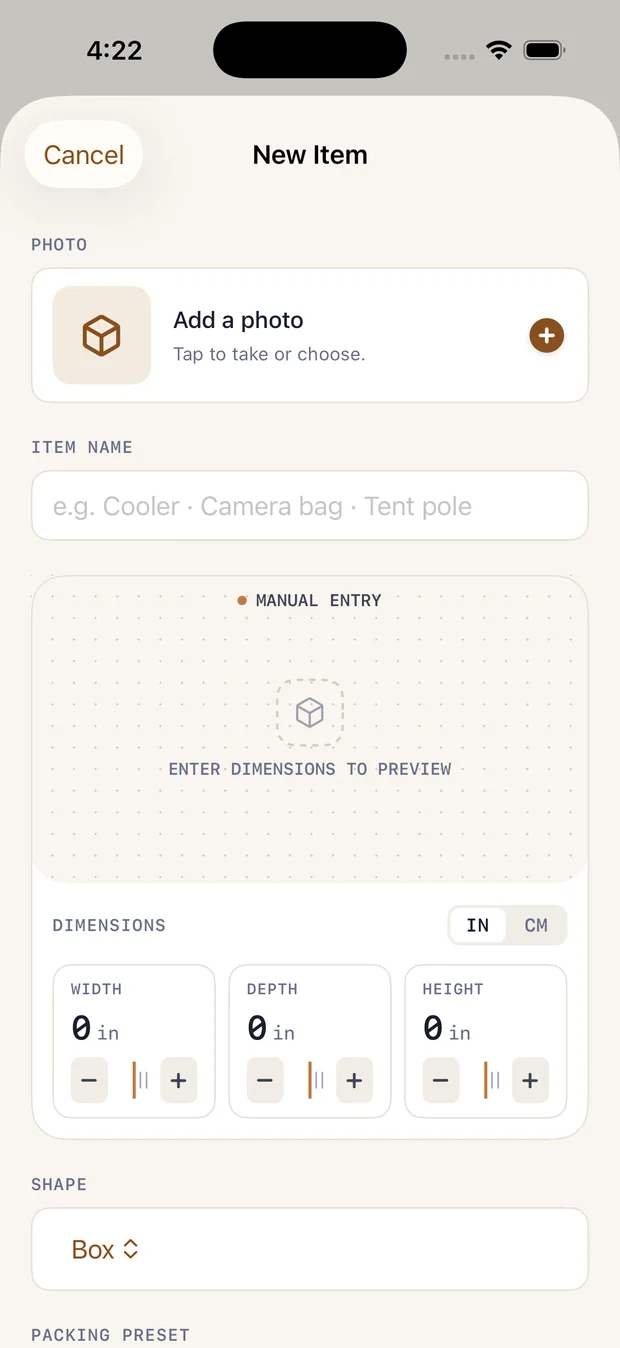
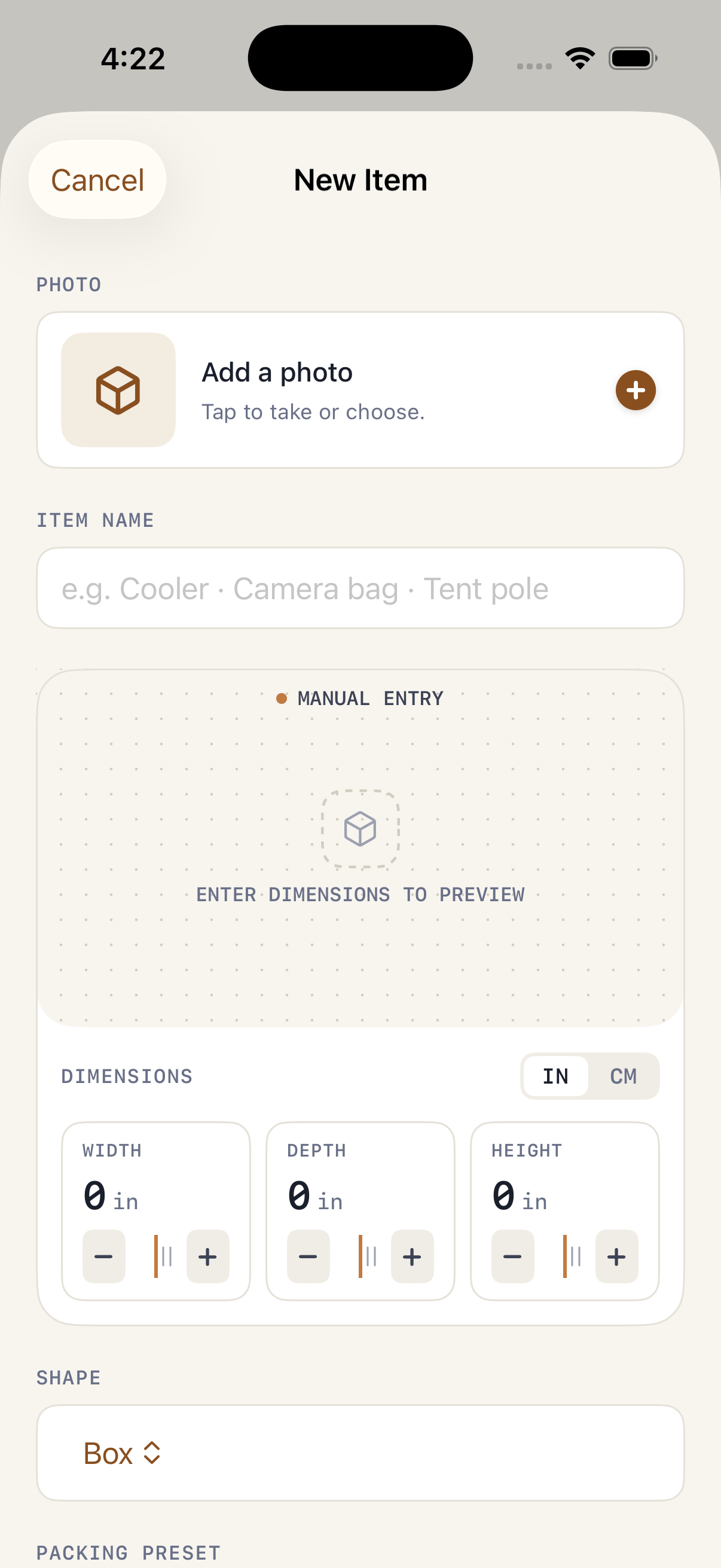
AR screens can't be captured in the iOS Simulator, so this set covers the non-AR flows. For AR-guide footage or stills on real hardware, email feedback@packpilot.io and we'll send them.